> ## Documentation Index
> Fetch the complete documentation index at: https://koreai.mintlify.site/llms.txt
> Use this file to discover all available pages before exploring further.
# AI for Work in Marketplace
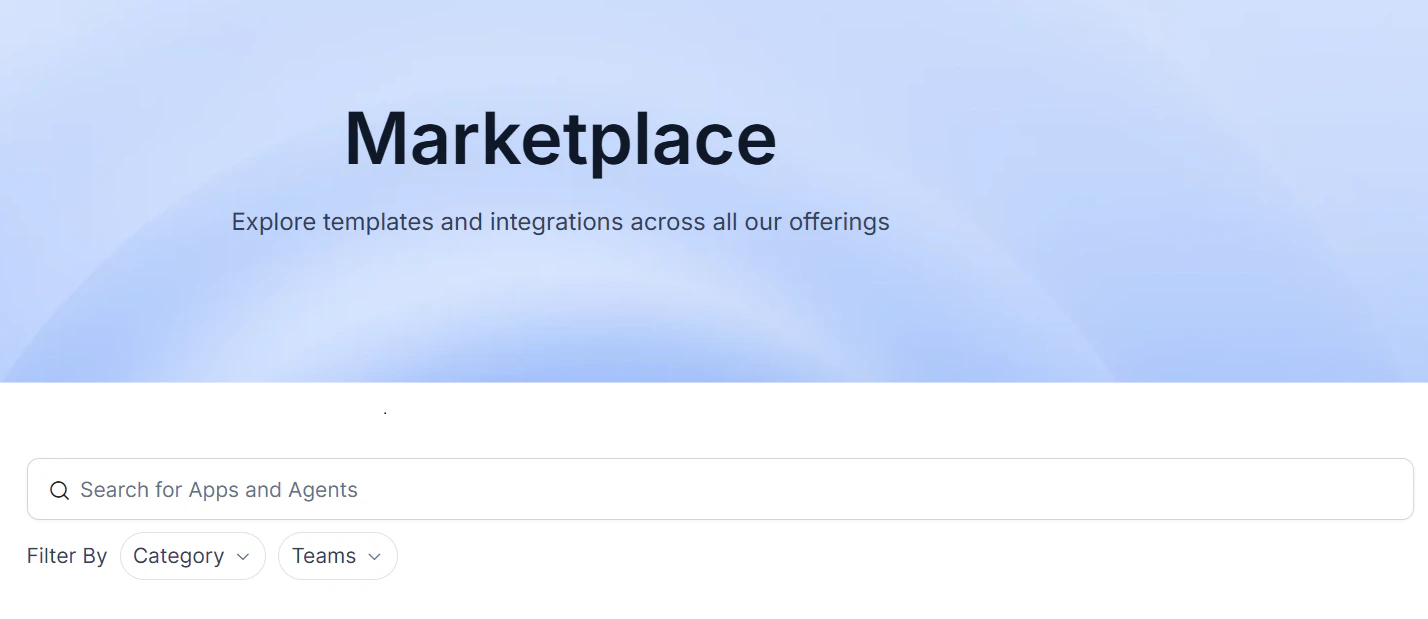
The [Marketplace](https://kore.ai/marketplace/) is a central hub for discovering, evaluating, and deploying AI-powered work agents on the Platform.
 ## Key Benefits
* **Centralized Access**: Discover all the available Platform agents in a single, searchable interface.
* **Simplified Search**: Easily find the agents you need using categories and filters.
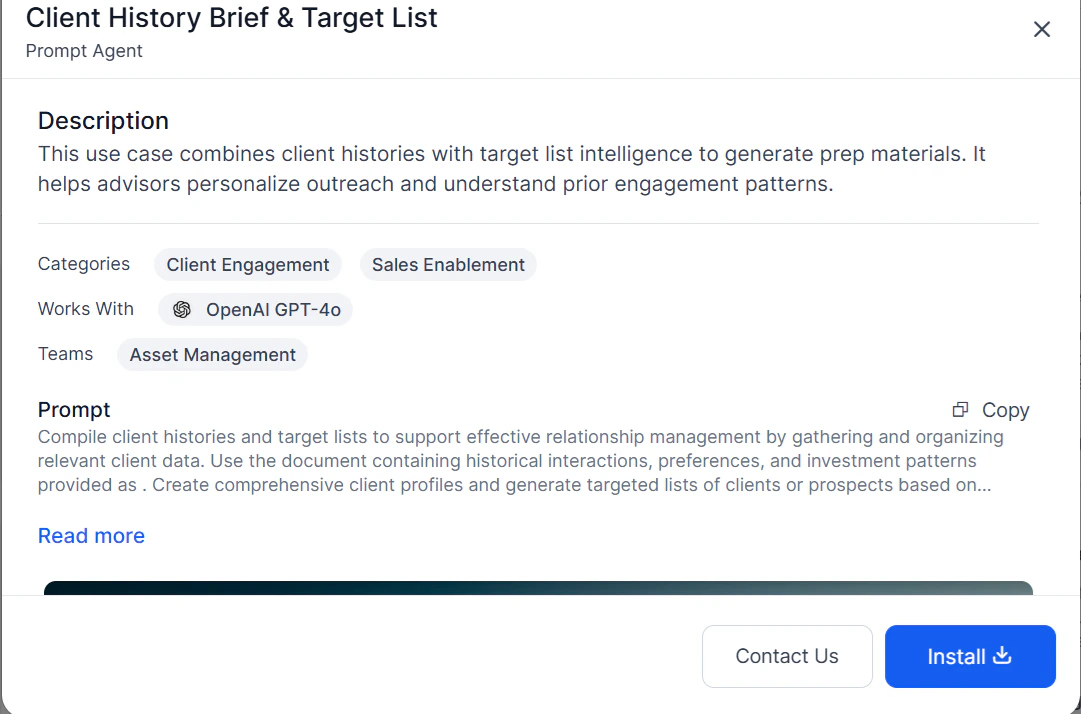
* **Transparent Information**: Understand each agent's functionality through detailed descriptions and previews before installing.
* **Effortless Integration**: Add agents to your workspaces quickly and easily.
## Agent Types
The Marketplace organizes agents into two sections:
| Section | Description |
| ---------- | ------------------------------------------------------------------------------------------------------------------------------------------------------ |
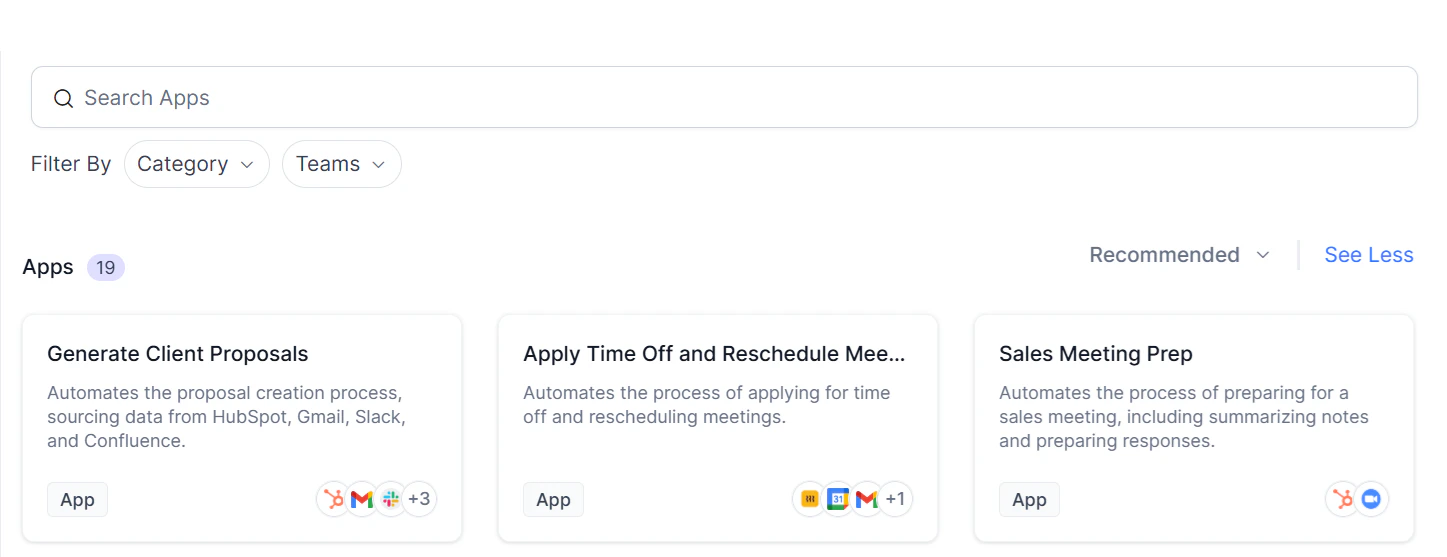
| **Apps** | Multi-agent solutions (Agentic Apps) that handle complex, multi-step workflows. All created Agentic flows appear here. |
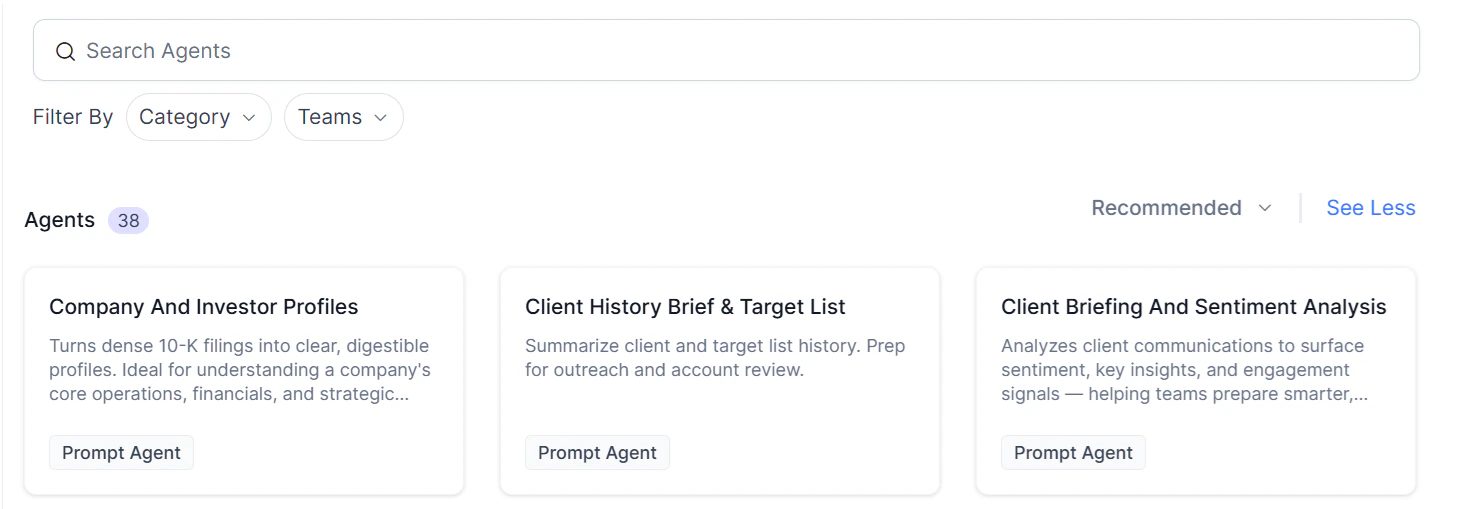
| **Agents** | Individual AI components, including **Prompt Agents** — text-based assistants that generate content or answer questions without external integrations. |
## Key Benefits
* **Centralized Access**: Discover all the available Platform agents in a single, searchable interface.
* **Simplified Search**: Easily find the agents you need using categories and filters.
* **Transparent Information**: Understand each agent's functionality through detailed descriptions and previews before installing.
* **Effortless Integration**: Add agents to your workspaces quickly and easily.
## Agent Types
The Marketplace organizes agents into two sections:
| Section | Description |
| ---------- | ------------------------------------------------------------------------------------------------------------------------------------------------------ |
| **Apps** | Multi-agent solutions (Agentic Apps) that handle complex, multi-step workflows. All created Agentic flows appear here. |
| **Agents** | Individual AI components, including **Prompt Agents** — text-based assistants that generate content or answer questions without external integrations. |
 ## Finding Agents
Use the following methods to locate agents:
* **Text Search** — Enter keywords to find matching agents.
* **Team Filter** — Filter by team (for example, Marketing or Sales). Select **All Teams** for general-purpose agents.
* **Category Filter** — Filter by function, such as Content Generation, Lead Tracking, or Personal Productivity.
### Agent Card Information
Each agent card displays:
* Agent name
* Brief description
* Integrations (if any)
* Agent type (Agents section only)
## Installing an Agent
1. Open the agent's details page and click **Install**.
## Finding Agents
Use the following methods to locate agents:
* **Text Search** — Enter keywords to find matching agents.
* **Team Filter** — Filter by team (for example, Marketing or Sales). Select **All Teams** for general-purpose agents.
* **Category Filter** — Filter by function, such as Content Generation, Lead Tracking, or Personal Productivity.
### Agent Card Information
Each agent card displays:
* Agent name
* Brief description
* Integrations (if any)
* Agent type (Agents section only)
## Installing an Agent
1. Open the agent's details page and click **Install**.
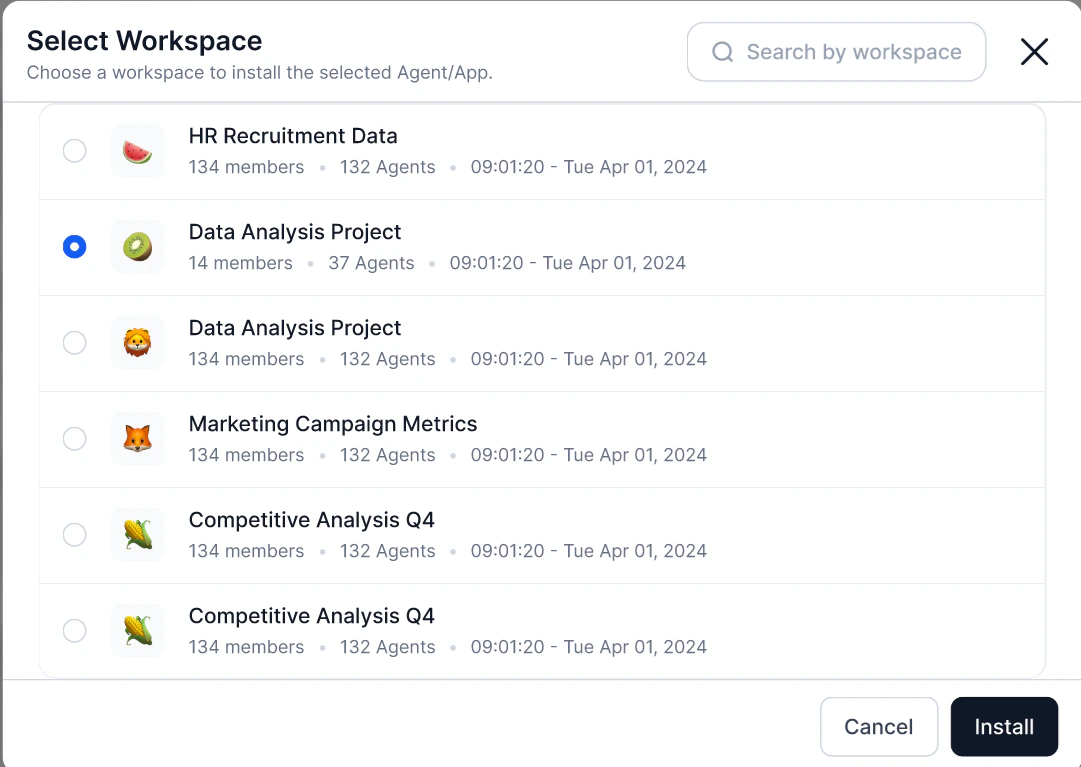
 2. The Platform redirects you to the Workspaces area.
3. Select a workspace:
* Only workspaces authorized for that agent type are active and selectable.
* Unauthorized workspaces are grayed out. Hover over them to see the reason (for example, *"creation is not allowed in this workspace"*).
4. The agent installs into the selected workspace under the relevant category.
2. The Platform redirects you to the Workspaces area.
3. Select a workspace:
* Only workspaces authorized for that agent type are active and selectable.
* Unauthorized workspaces are grayed out. Hover over them to see the reason (for example, *"creation is not allowed in this workspace"*).
4. The agent installs into the selected workspace under the relevant category.
 ## Creating an Agent
When creating a new agent from a supported agent type:
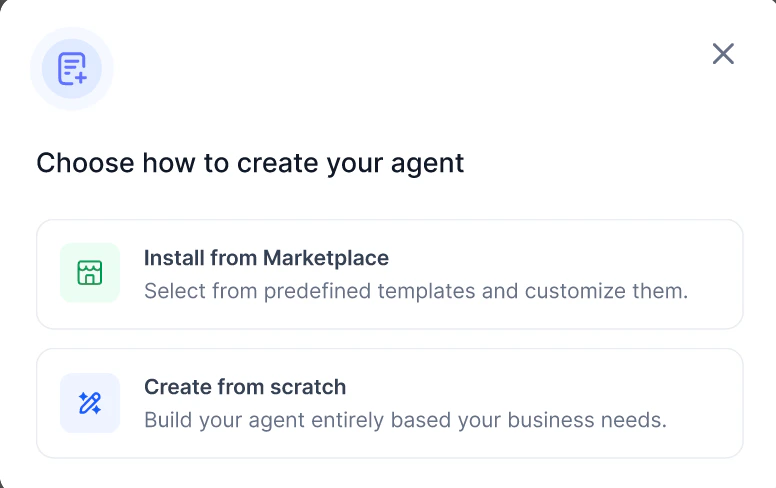
1. Click **Create Agent**.
2. Select one of the following:
* **Install from Marketplace** — Opens the Marketplace filtered to relevant agent types.
* **Create from Scratch** — Starts the custom agent builder.
## Creating an Agent
When creating a new agent from a supported agent type:
1. Click **Create Agent**.
2. Select one of the following:
* **Install from Marketplace** — Opens the Marketplace filtered to relevant agent types.
* **Create from Scratch** — Starts the custom agent builder.
 ## Use-Case Examples
**Content generation for a marketing team**
Filter by **Marketing** team and **Content Generation** category to find agents such as blog post generators or social media content creators.
**Complex multi-step workflow**
Install an Agentic App that chains multiple agents to automate a process end-to-end — for example, lead generation, qualification, and follow-up.
## Use-Case Examples
**Content generation for a marketing team**
Filter by **Marketing** team and **Content Generation** category to find agents such as blog post generators or social media content creators.
**Complex multi-step workflow**
Install an Agentic App that chains multiple agents to automate a process end-to-end — for example, lead generation, qualification, and follow-up.