
App Profile
Navigate to the app’s Overview page. Click the Edit icon to view the App Profile.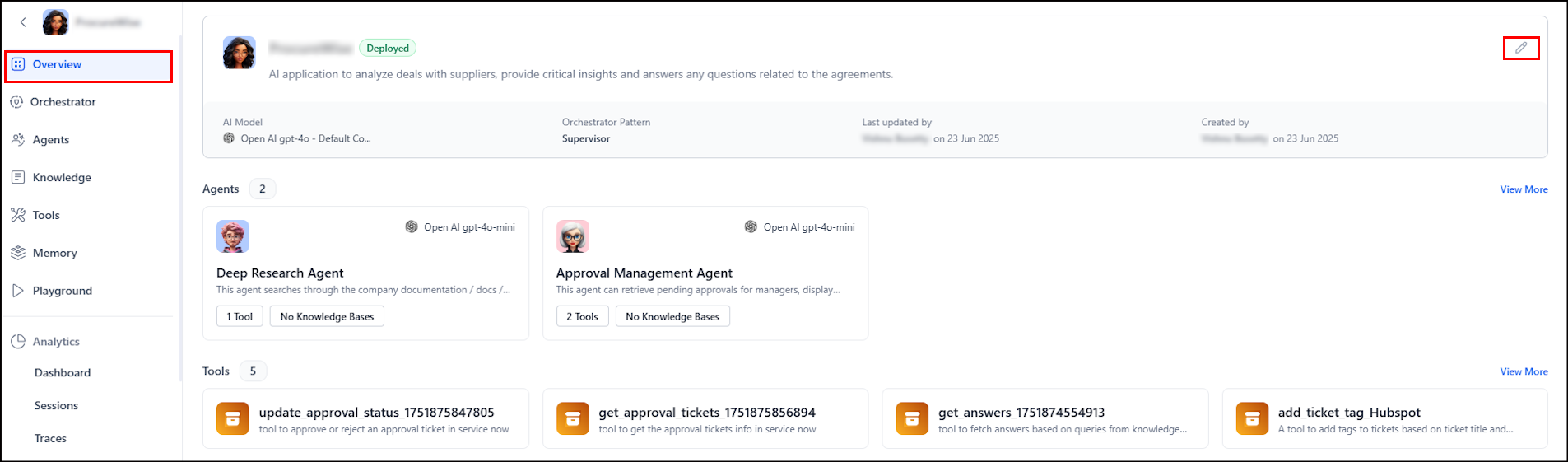
- Name - Display Name given to the app.
- Description - A brief summary outlining the app’s purpose.
- Context Window Limit - Defines the maximum number of messages the application retains in the conversation context. The system uses a rolling window approach to manage the context. Once this context window limit is reached, the oldest messages are automatically removed to maintain relevance. This field takes a minimum value of 25 and maximum of 200. Consider the model token limits while setting this field.
- External Agent - Enable this feature to allow the application to communicate with external agents through proxy agents within the app. Learn more.