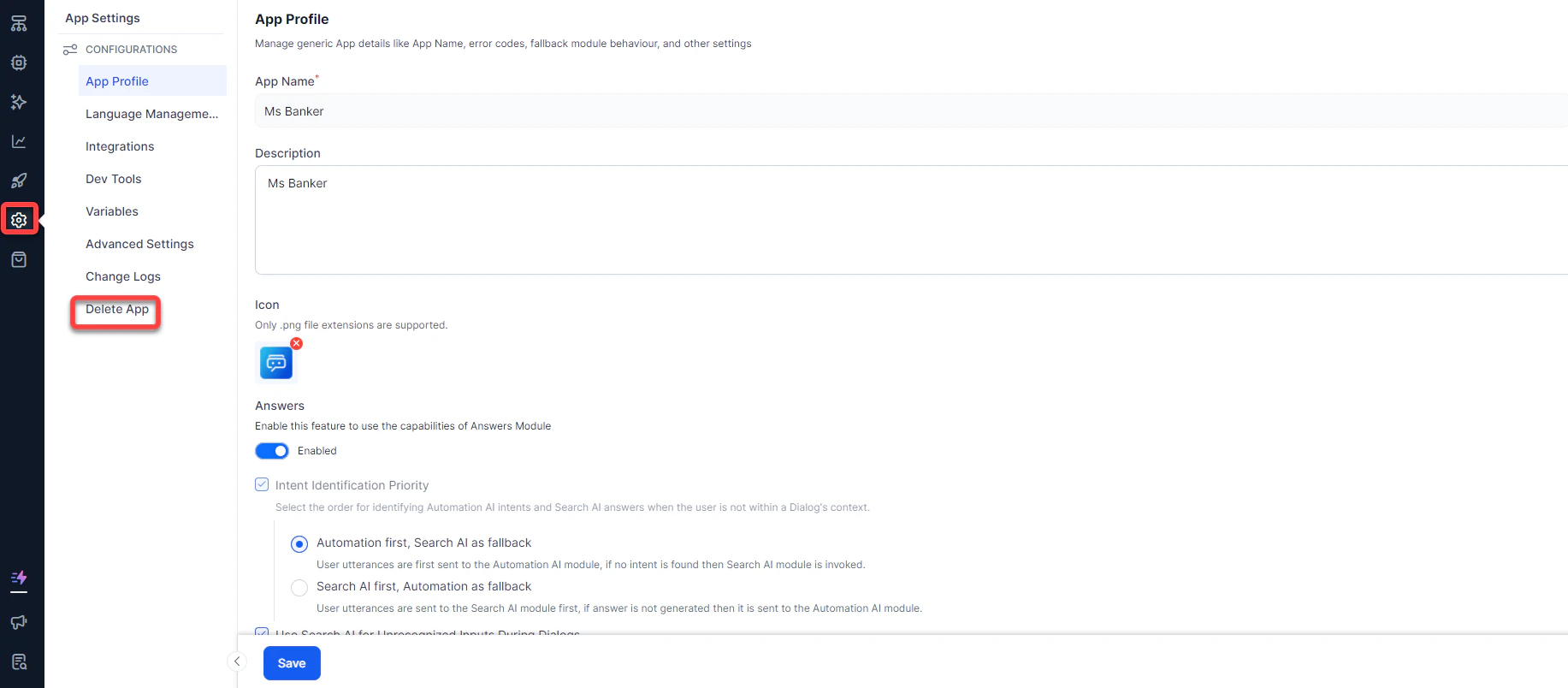
- Click App Settings on the left-side menu.
-
Under Configurations, click Delete App at the bottom.
-
You can export the app prior to deletion. To do so, click Export in the Delete App dialog box.
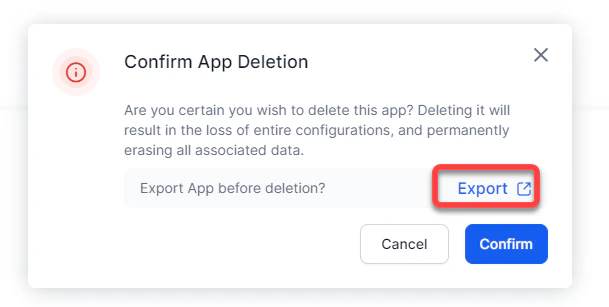
- To proceed with the deletion, click Confirm.
-
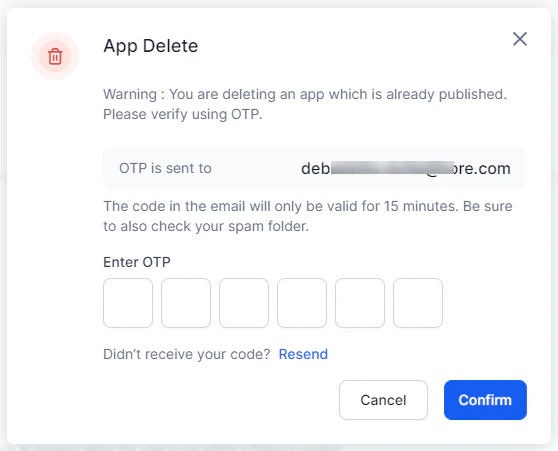
A verification code is sent to the app owner’s registered email. Enter this code to confirm deletion.
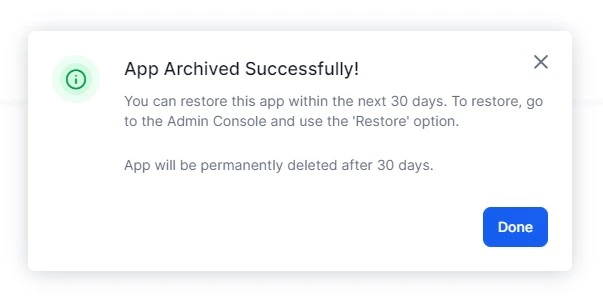
- After successful verification, the app is soft-deleted. A published app with active dialog tasks can be restored within 30 days from the admin console. If the app hasn’t been published yet, the app will be deleted immediately.
Deletion isn’t allowed during an active subscription.