

Compliance Status
For details, see the official WCAG 2.2 documentation or download the Voluntary Product Accessibility Template (VPAT).
Accessibility Support by Component
| Component | Accessible | Preview |
|---|---|---|
| Chat Icon | Yes | 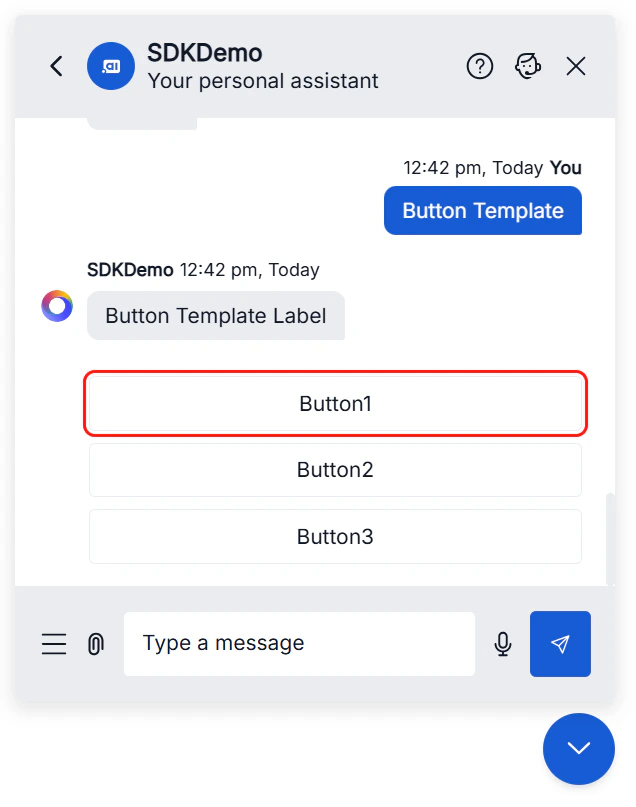 |
| Chat Window | Yes | 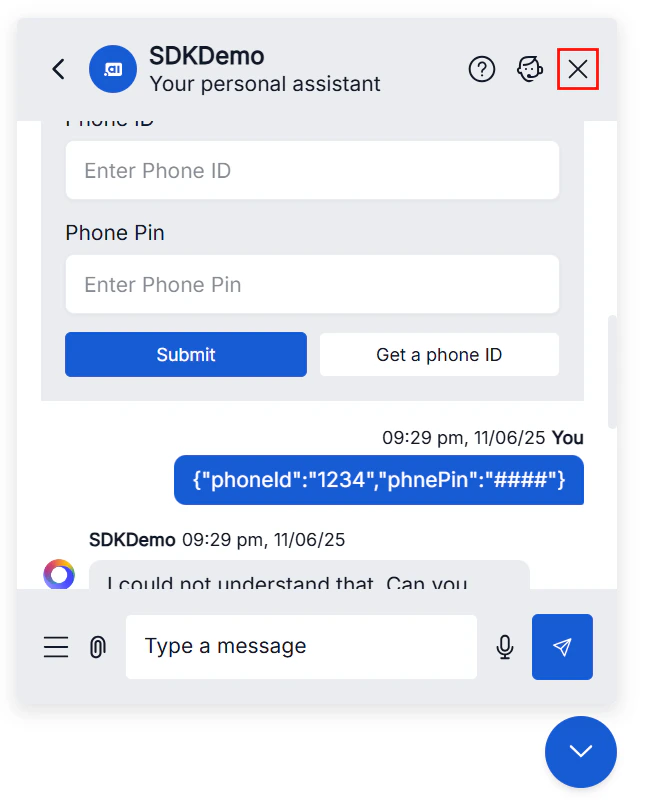 |
| Welcome Screen | Yes | 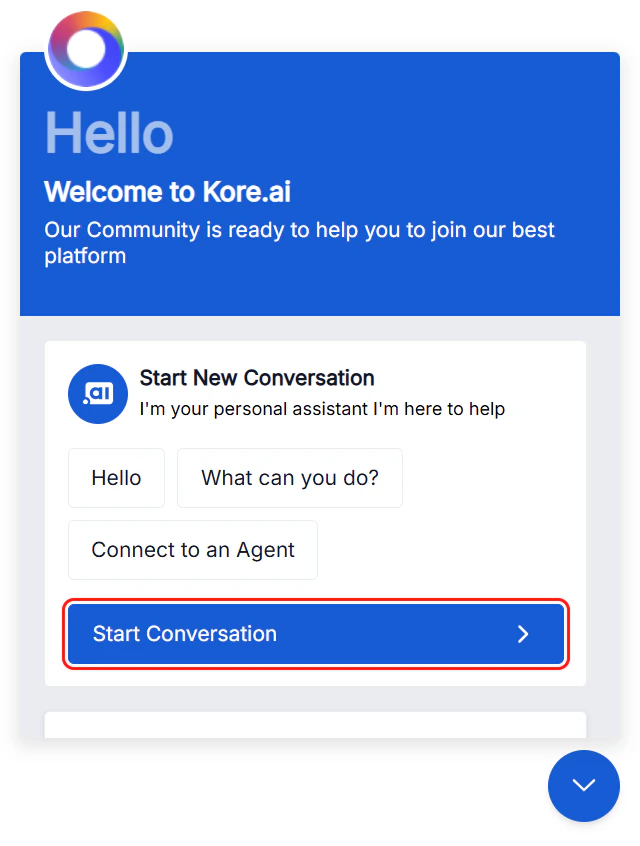 |
| Header | Yes | 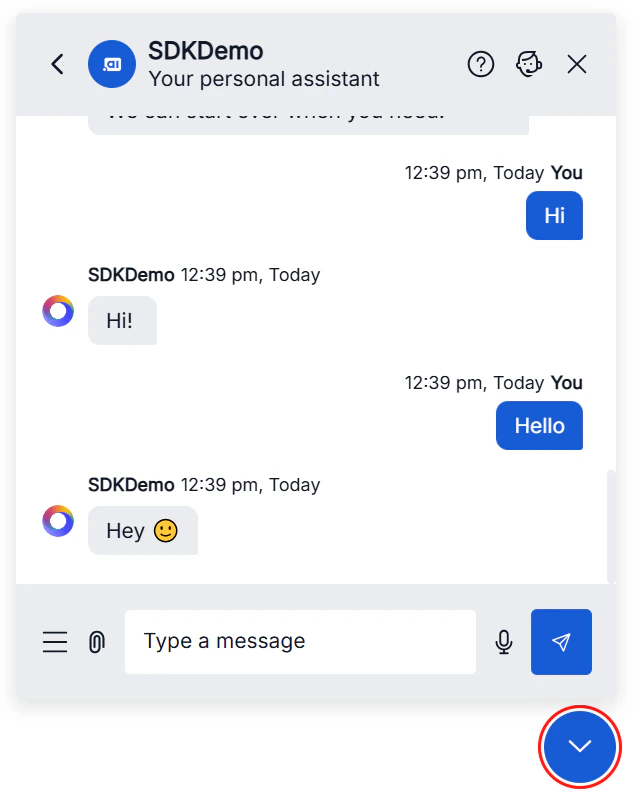 |
| Footer | Yes | 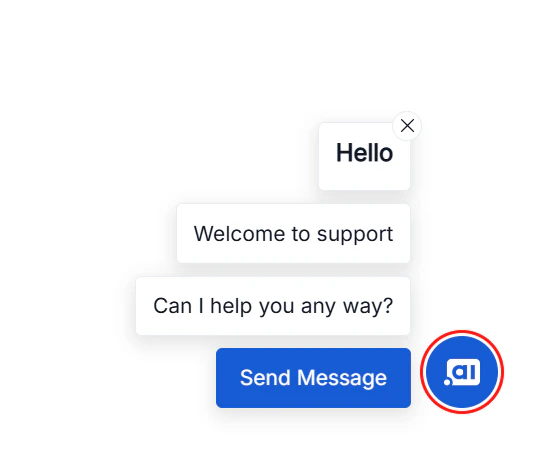 |
| Templates | Yes | 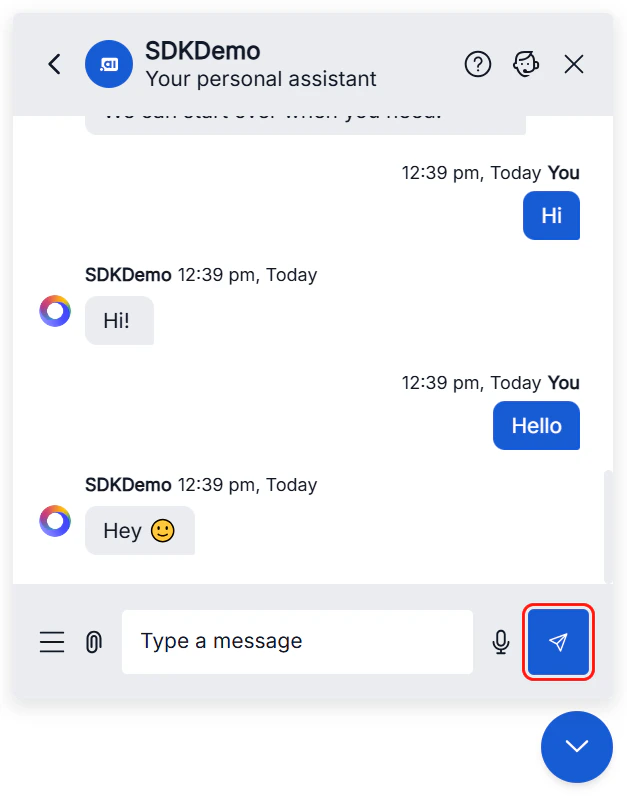 |
Themes and Color Contrast
Default light and dark themes maintain a color contrast ratio of 4.5:1 or higher, meeting WCAG 2.2 Level AA out of the box. For custom themes, follow the Virtual Assistant Theme & Design guidelines. Ensure:- All color combinations meet minimum contrast ratios (4.5:1 normal text, 3:1 large text and UI elements).
- Interactive elements are clearly distinguishable.
- Focus indicators meet contrast requirements.
- Custom themes are tested with assistive technologies before deployment.
Developer Guidelines
When customizing or extending the SDK, follow these practices to maintain compliance:
For customization reference, see the Web SDK Customization Documentation.
Accessibility compliance for any customizations made beyond the default SDK is the responsibility of your organization.
Support
If you encounter an accessibility issue or want to share feedback:- Email: support@kore.com
- Support portal: https://support.kore.ai