

Only users with the Admin role and required authorization can access the Admin Console.
Access the Admin Console
- Log in to AI for Work.
-
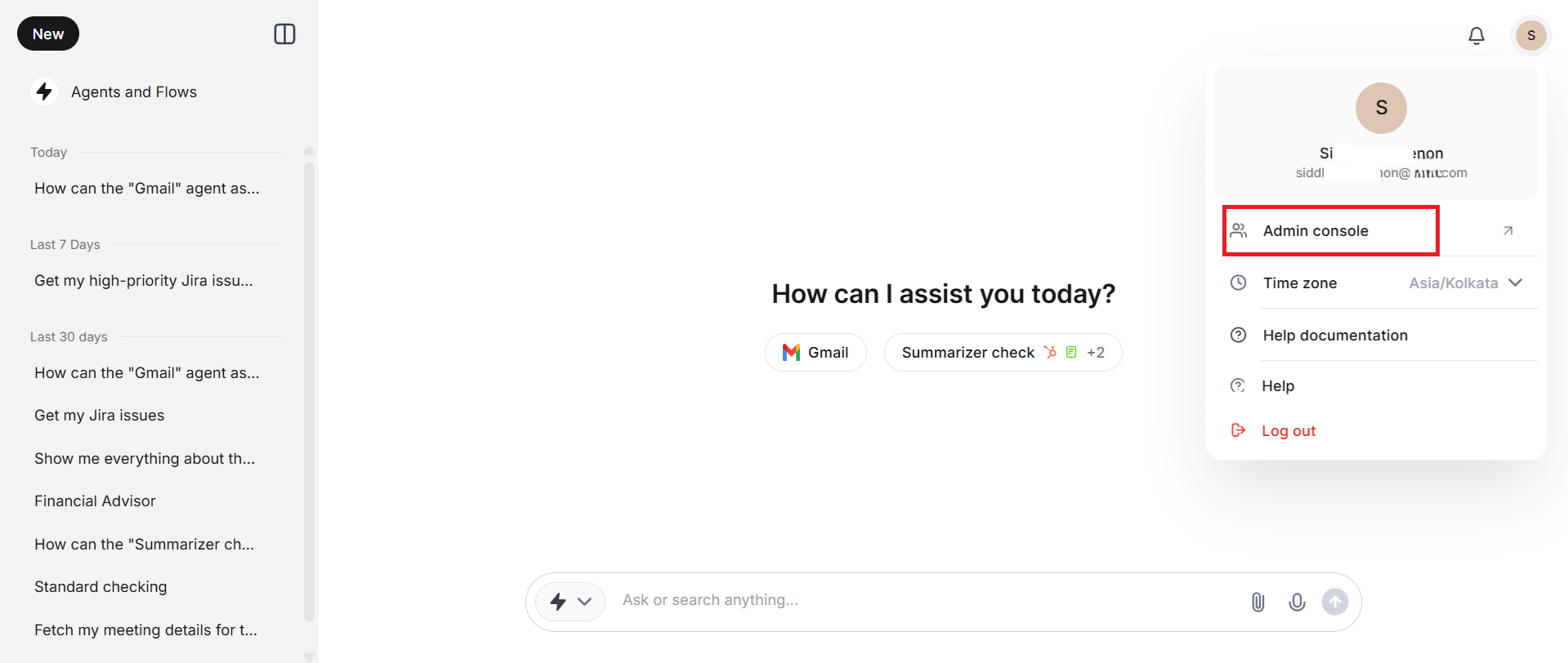
Click Admin Console from your user account menu.
-
The system redirects to the Workspace page.
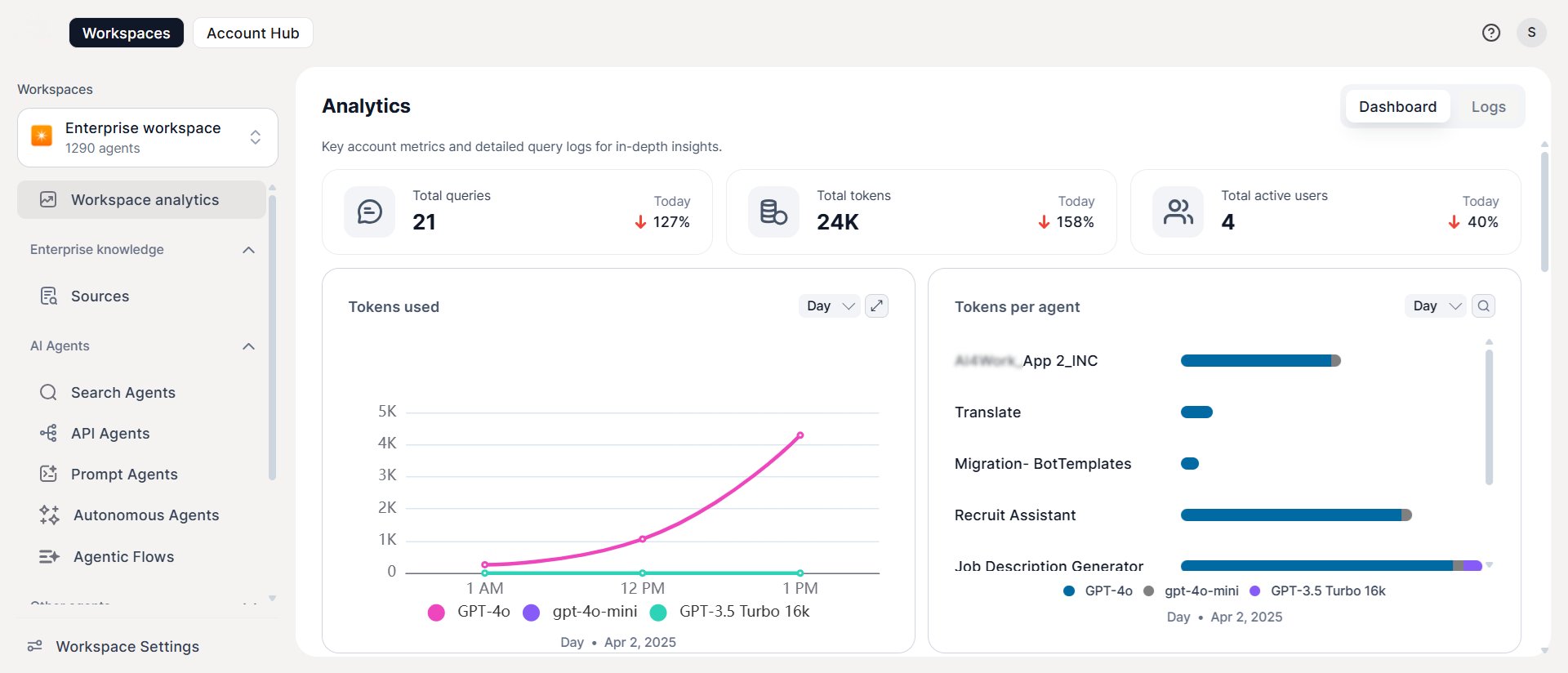
Account Hub
The Account Hub is the central control panel for all administrative tasks — user management, workspace oversight, AI configuration, security, and reporting.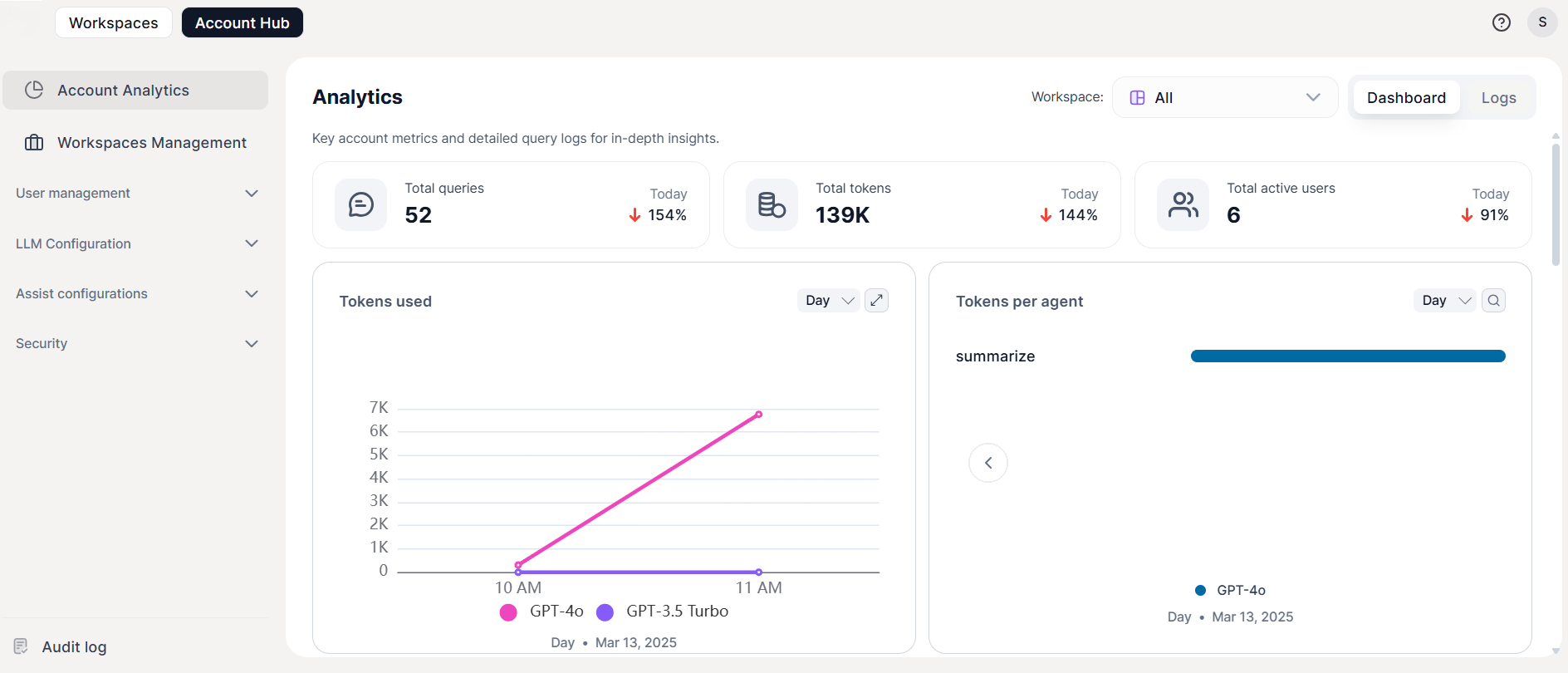
Workspaces
A workspace is a dedicated, isolated environment where teams collaborate on AI initiatives. Each workspace enforces secure boundaries, role-based access, and agent governance. AI for Work supports two workspace types:- Account Workspaces — admin-managed team environments for building and deploying shared agents.
- Personal Workspaces — user-owned environments for building and sharing individual agents, governed by admin-configured permissions.
Account Workspaces
Account workspaces are created and managed exclusively by administrators. They provide structured environments for teams to create, manage, and publish agents. Key capabilities:Create a Workspace
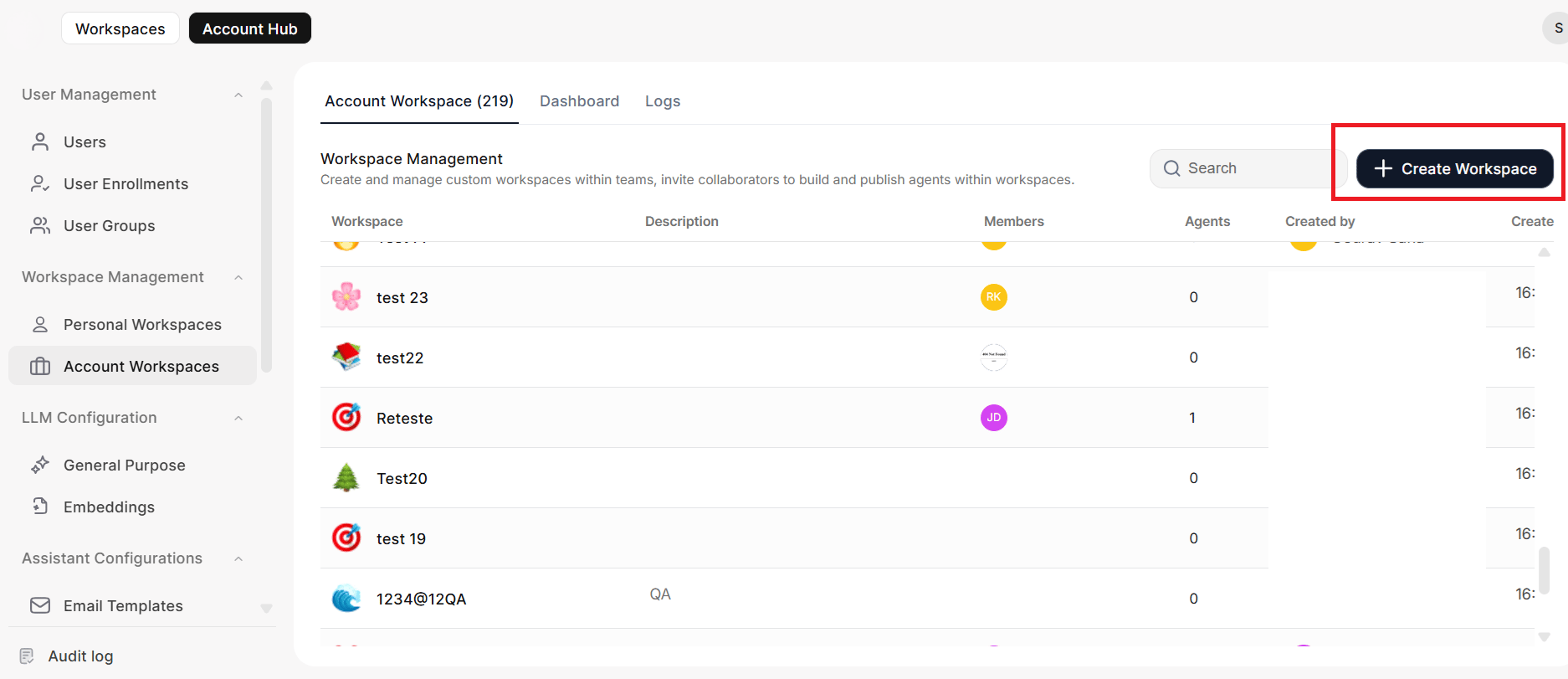
Only administrators can create workspaces.-
Go to Account Workspace in the Account Hub.
-
Provide the following details:
-
Assign collaborator roles:
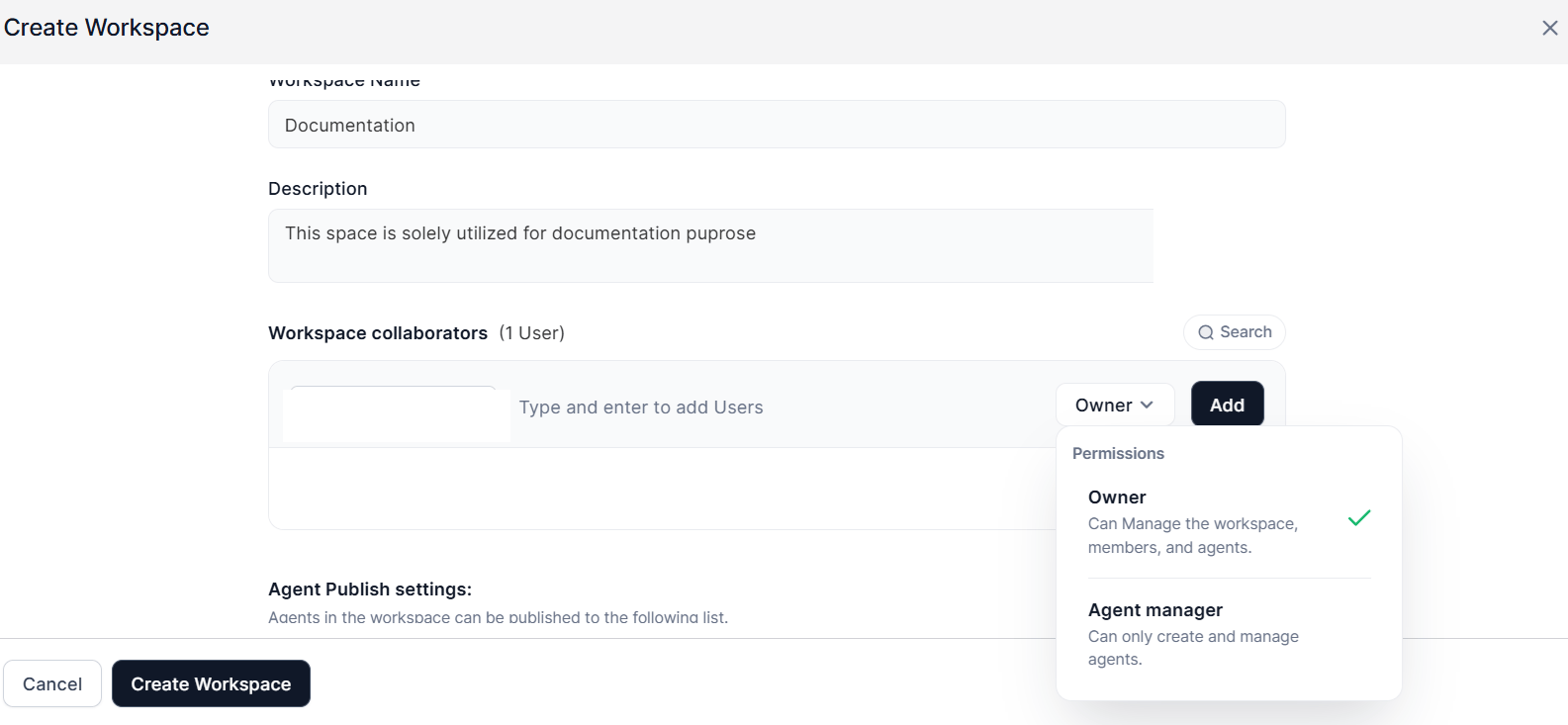
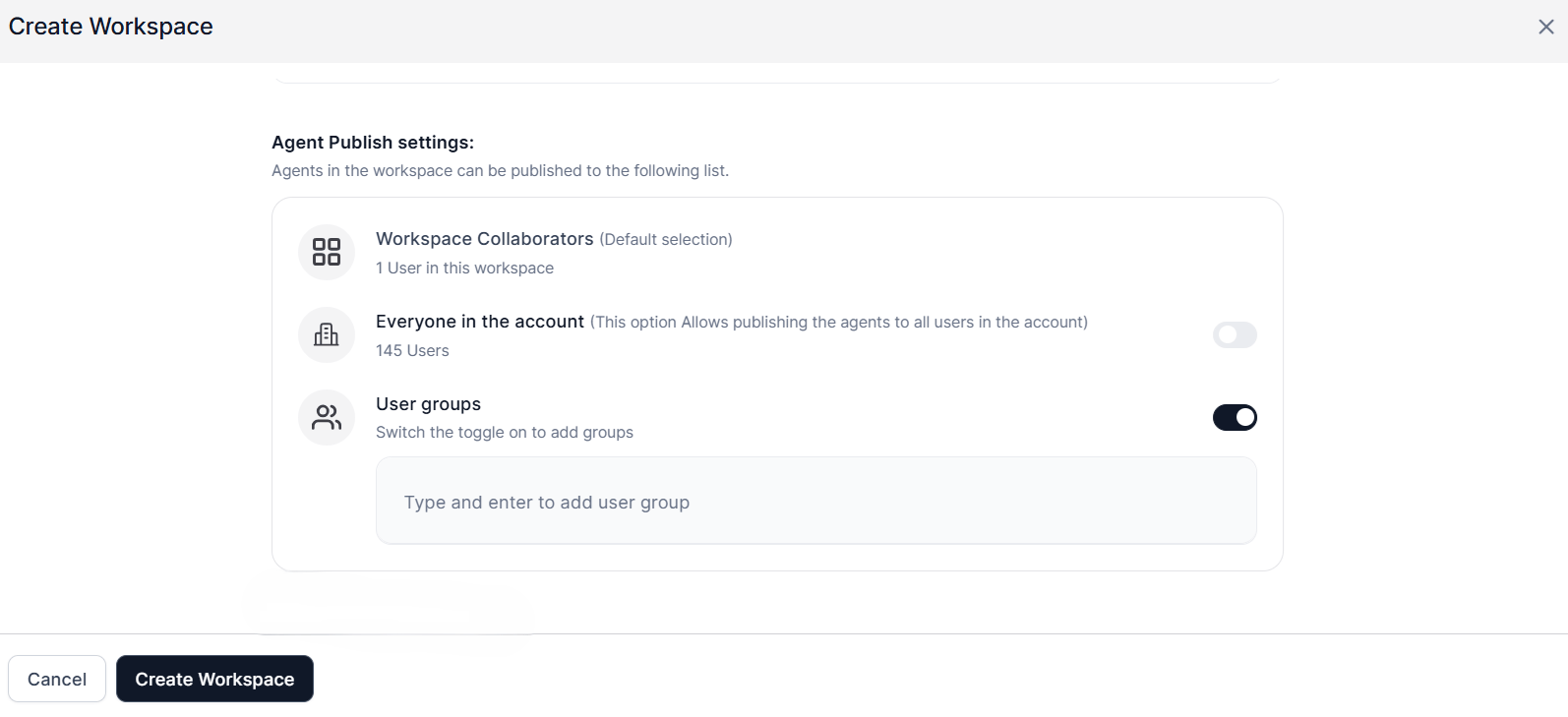
Agent Publish Settings directly affect the permissions required to deploy and publish an agent.
Manage Workspace Models
The Models tab in workspace settings controls which LLM models a workspace can use. Instead of exposing every model integrated in the account to all workspaces, administrators enable only the models each workspace needs and set the order in which they appear. The tab lists every model from LLM Connections, with the model name, provider, and connection name for each entry.Only administrators can access the Models tab. Account administrators can update the settings, while workspace administrators have view-only access.
- Go to Workspace Management in the Account Hub.
- Select the workspace to open its Settings page.
- Select the Models tab.
- Enable or disable each model.
- Drag enabled models into the order you want.
- Select or clear the option to auto-enable new LLM connections.
Model settings apply per workspace, so changes in one workspace never affect another. Workspaces created before v1.21.0 have every LLM connection enabled, in LLM Connections order. New workspaces start with every LLM connection disabled.
Delete a Workspace
Only administrators can delete workspaces. Deletion is permanent and removes all associated agents, configurations, and resources.- Go to Workspace Management in the Account Hub.
- Select the workspace to open its Settings page.
- Scroll to the bottom and click Delete Workspace.
-
Click Update to confirm.
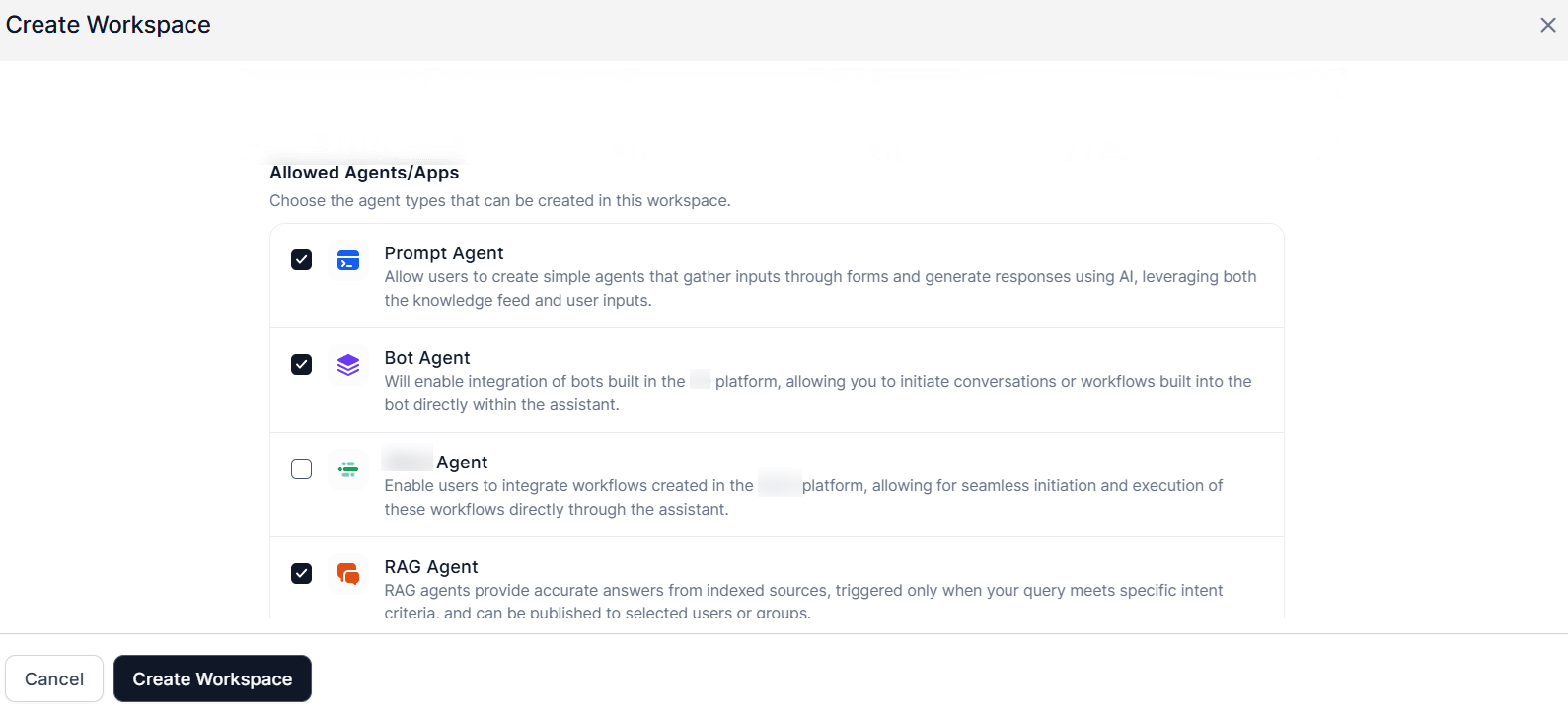
Workspace Modules
All account workspaces include:Default Workspace
The default workspace is pre-configured and immediately available upon account setup.- Includes a default RAG configuration with universal publishing.
- Comes with a pre-configured enterprise knowledge base.
- Includes a business solution suite (HR, IT, Recruitment) — ready to use or customize.
- Has fixed elements and restricted administrative access settings.
Personal Workspaces
Personal workspaces let end users create, manage, and publish custom agents in their own dedicated environment. Administrators retain full oversight through centralized management tools, usage analytics, and granular permission controls.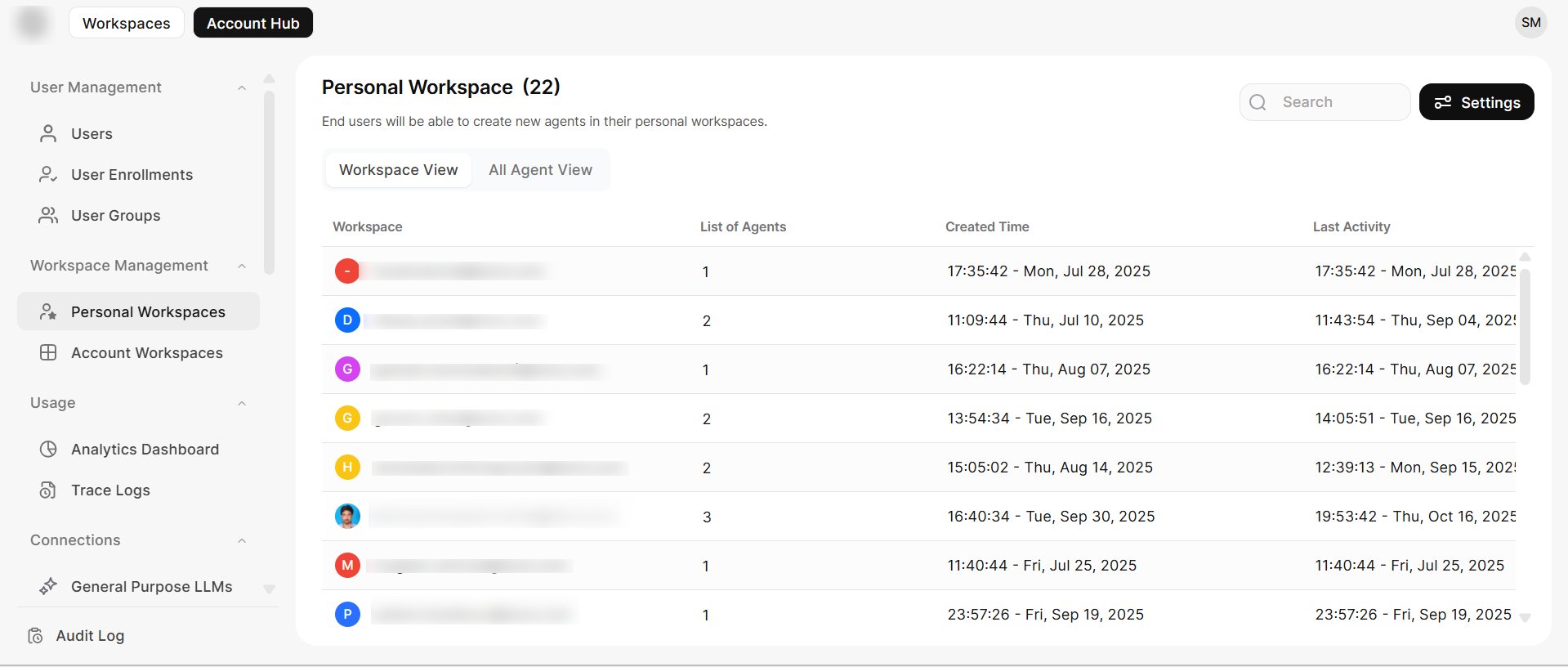
- Users can build custom agents for their specific workflow needs.
- Administrators can view and manage all personal workspaces and agents from a single interface.
- Agents can be shared with other account members based on admin-configured settings.
Settings
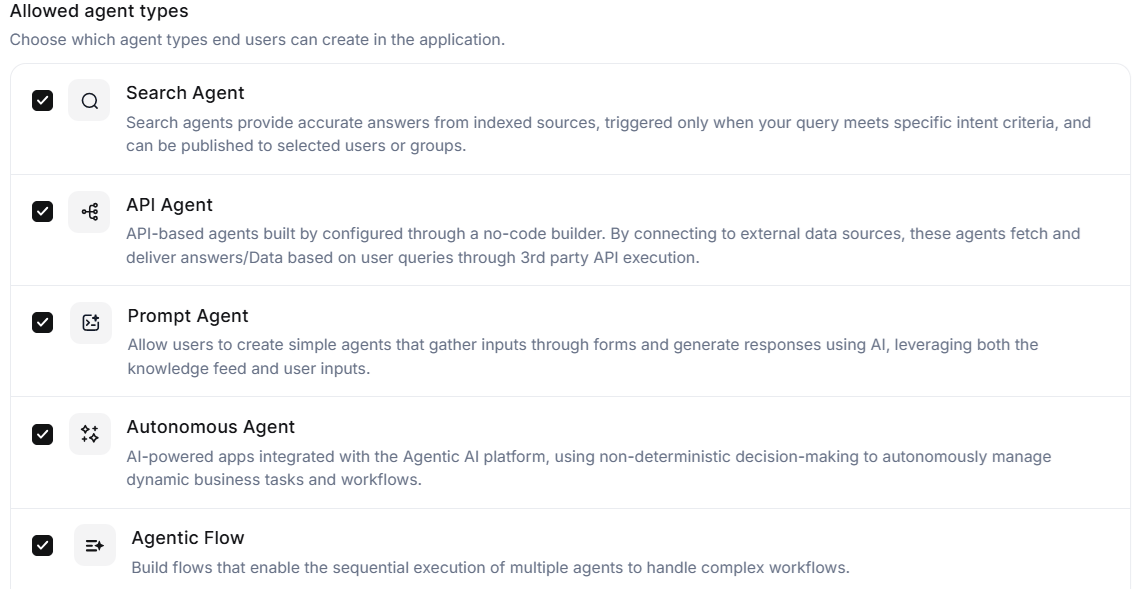
Administrators configure personal workspace behavior from the Account Hub.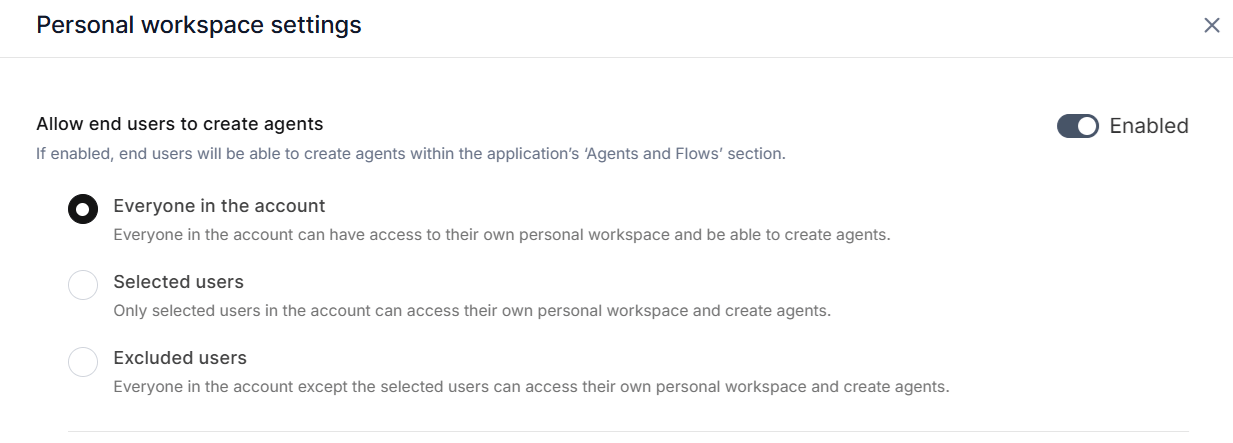

- Search Agent
- API Agent
- Prompt Agent
- Autonomous Agent
- Agentic Flow
- Bot Agent
- Workflow Agent
Collaboration and Sharing
Users can publish agents to collaborators up to their permitted limit.- Publishers receive a confirmation notification when collaborator access is assigned.
- Shared agents appear under the Shared Agents section in the workspace switcher.
Administrative Views
Administrators can monitor and manage all personal workspaces from the Account Hub.
All agents include a 3-dot menu with:
- Agent Details — Detailed metrics and performance data
- Agent Usage Logs — Usage analytics and activity history