
Back to Admin Console Two-Factor Authentication (2FA) adds an extra layer of security to enterprise user accounts using a One-Time Password (OTP) sent via email. After entering a username and password, the platform prompts users to verify via a time-limited email code.Documentation Index
Fetch the complete documentation index at: https://koreai.mintlify.app/llms.txt
Use this file to discover all available pages before exploring further.
SSO and 2FA are mutually exclusive. Enabling Enterprise SSO automatically disables 2FA for that account, and vice versa.
Enable 2FA (Admin)
Only an admin user can enable 2FA for the account.- Log in to the Admin Console.
-
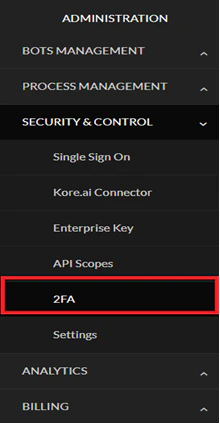
In the left menu, select 2FA under Security & Control.
-
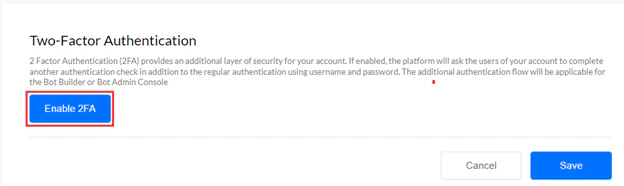
Select Enable 2FA.
-
Select Save.
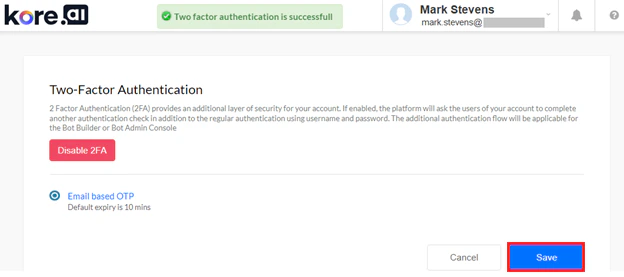
- Each OTP is valid for a single login session only.
- Default OTP validity: 10 minutes.
- Reusing, entering incorrectly, or entering after expiry results in a failed authentication error.
Grant 2FA Permission to a Custom Admin
For a custom admin role to enable 2FA, the Master Admin must grant the permission.-
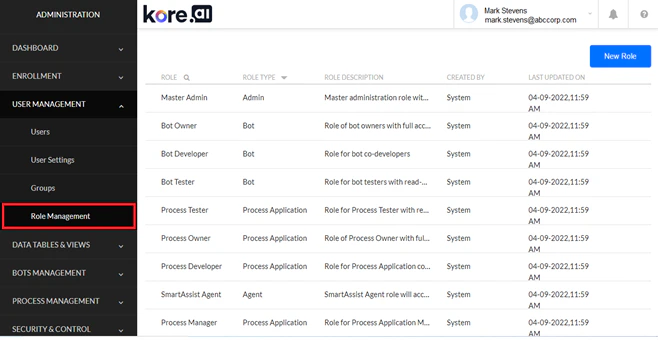
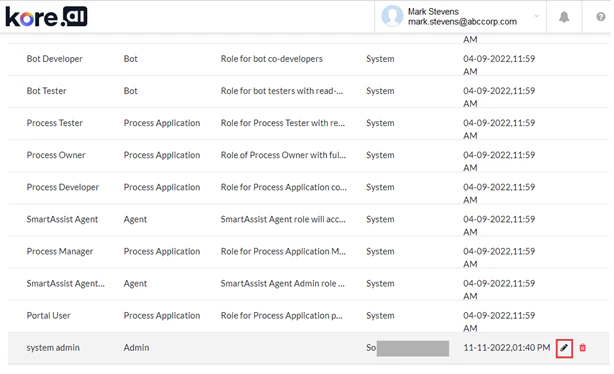
Go to Admin Console > User Management > Role Management.
-
Select the Edit icon for the desired admin role.
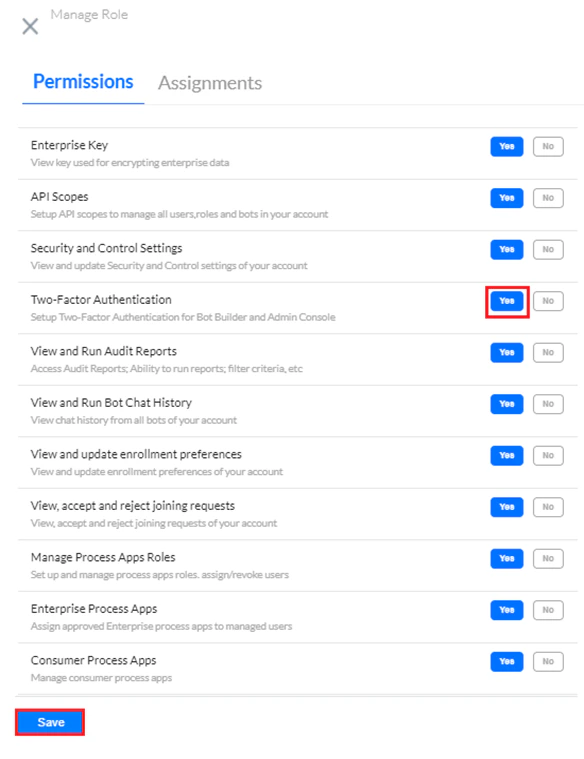
- Select the Permissions tab.
- Set Two-Factor Authentication to YES.
-
Select Save.
Admin Login with 2FA
-
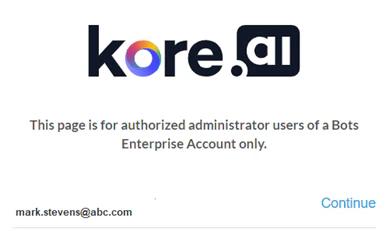
Go to the Admin Console and enter your email ID. Select Continue.
-
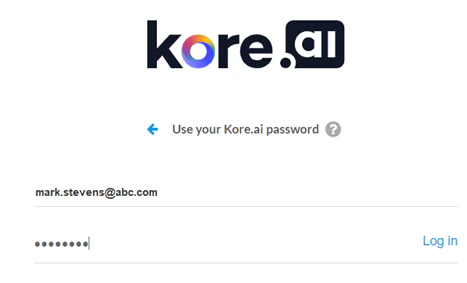
Enter your password and select Log in.
-
Enter the OTP received at your registered email address.
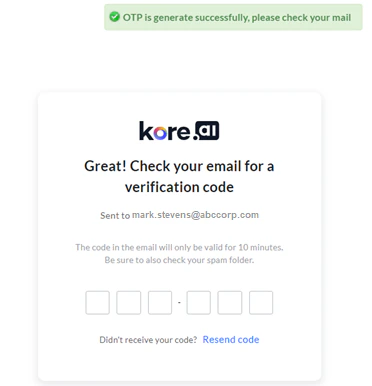
-
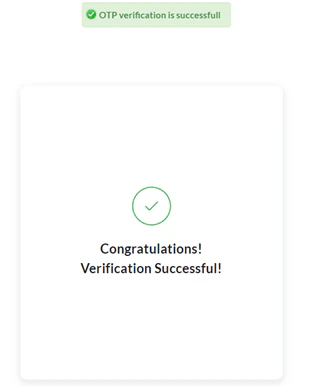
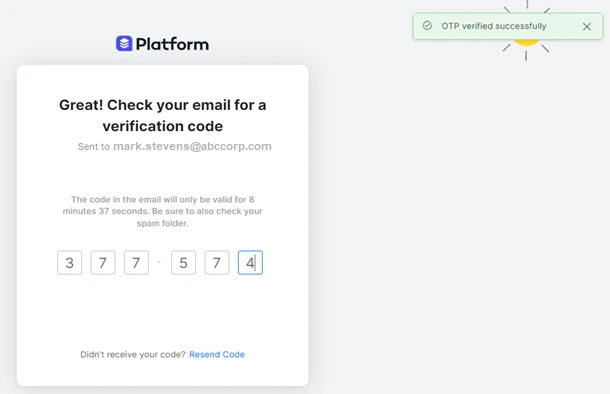
On successful verification, a success message appears and you are redirected to the dashboard.
End-User Login with 2FA
-
Go to the App Builder Platform and enter your email ID. Select Continue.

-
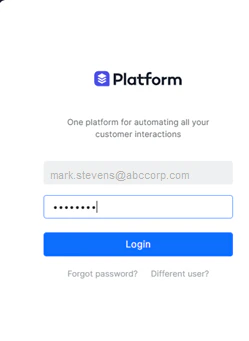
Enter your password and select Login.
-
Select your AI Agent account when prompted.
2FA is not prompted again if you already completed it for another account in the same session.
-
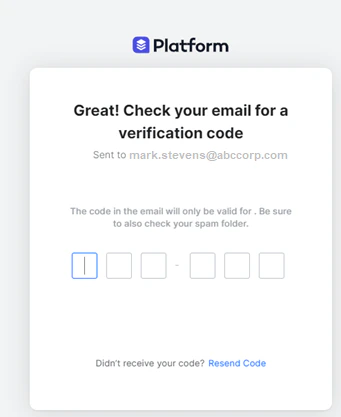
Enter the OTP verification code received via email. Select Resend Code if needed.
-
On success, you are redirected to your dashboard.
Switch Accounts During 2FA
Use Switch to Different Account on the verification screen to switch accounts without entering the current OTP.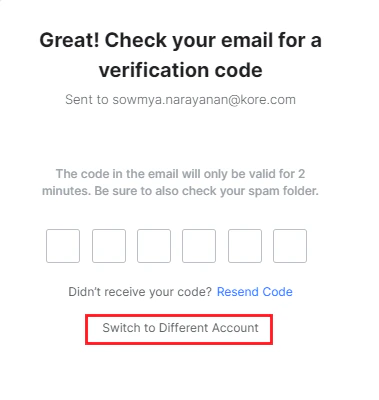
This option is only available to users with multiple accounts.
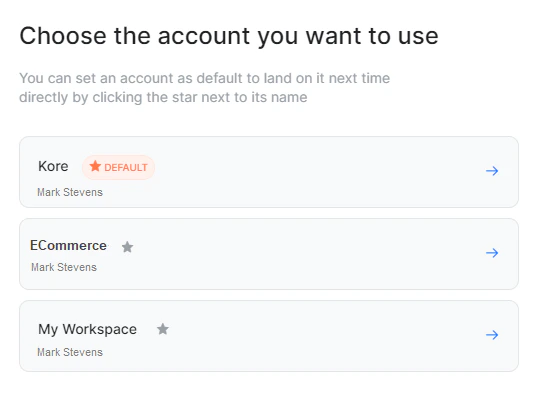
- A new passcode is sent via email for the switched account.
- Passcode expiry time: 2 minutes.
- If you switch within 2 minutes or after, a new passcode is generated for any unauthenticated account.
- If the previous account was already authenticated in the same session, no new code is required.
- Entering an incorrect passcode blocks access. Select Resend Code to generate a new one.