
Back to Admin Console Use the Invite page to send join invitations to individual members of your organization. For inviting many users at once, use Bulk Invite instead.Documentation Index
Fetch the complete documentation index at: https://koreai.mintlify.app/llms.txt
Use this file to discover all available pages before exploring further.
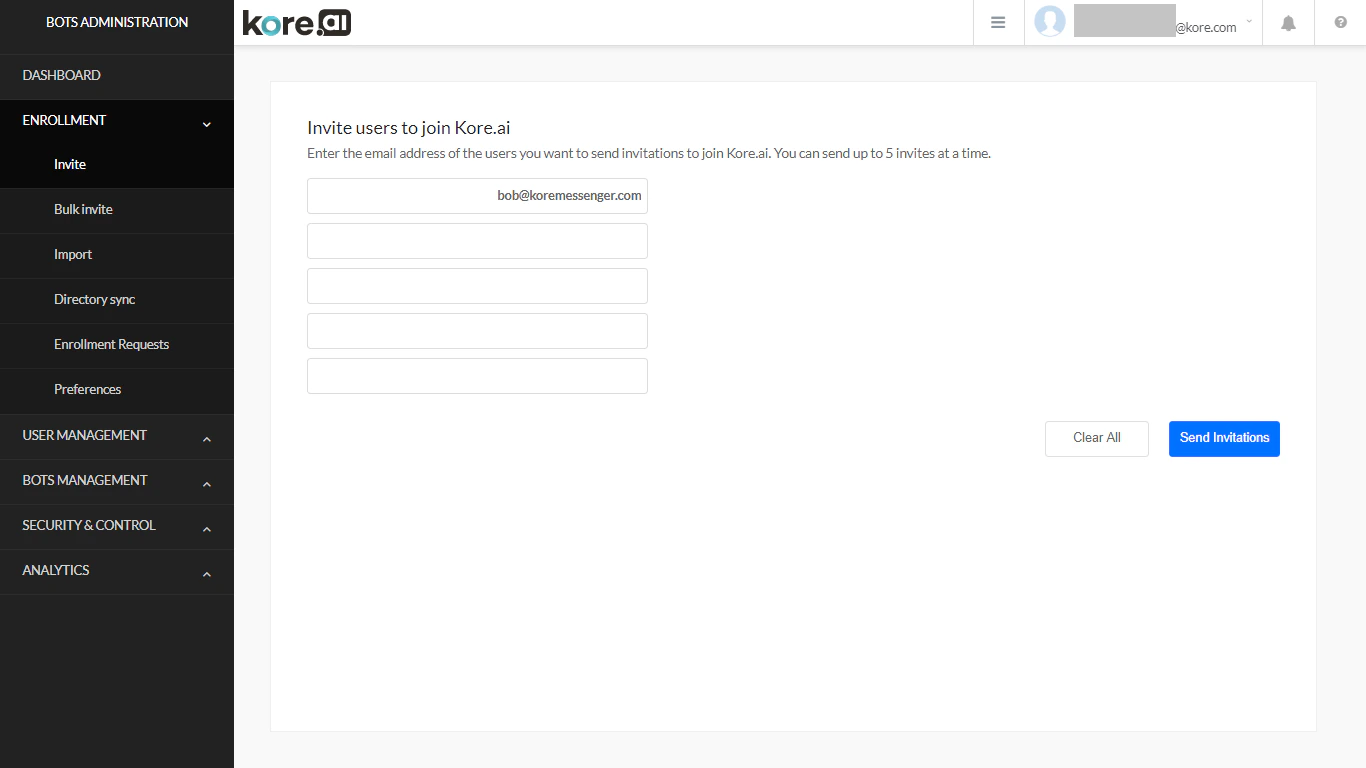
Inviting Individual Users
- In the Enrollment module, select the Invite page.
- Enter the user’s email address (for example,
john.doe@example.com). - Select Send Invitations.
Page Controls
| Control | Description |
|---|---|
| Enter the email address of the user to invite | |
| Clear All | Removes all entered email addresses |
| Send Invitations | Sends invitation emails to all entered addresses |
You can invite up to 5 users at a time from the Invite page.