
Back to Admin Console Enterprise Key Management controls how sensitive data is encrypted on the platform. Administrators can manage encryption keys to protect enterprise data, user information, and app-related content stored on Kore.ai servers. Two approaches are available:Documentation Index
Fetch the complete documentation index at: https://koreai.mintlify.app/llms.txt
Use this file to discover all available pages before exploring further.
| Approach | Description |
|---|---|
| Default Encryption | Automatic encryption using platform-managed keys |
| Bring Your Own Key (BYOK) | Custom encryption using your organization’s own keys |
Default Encryption
The platform automatically encrypts all enterprise data using a platform-managed key. This includes user data and profiles, bot configurations and conversations, and enterprise settings.Key Rotation
| Type | Schedule |
|---|---|
| Automatic | Every 60 days |
| Manual | On demand from the Admin Console |
Generate a New Key
-
Go to Security & Control > Enterprise Key.
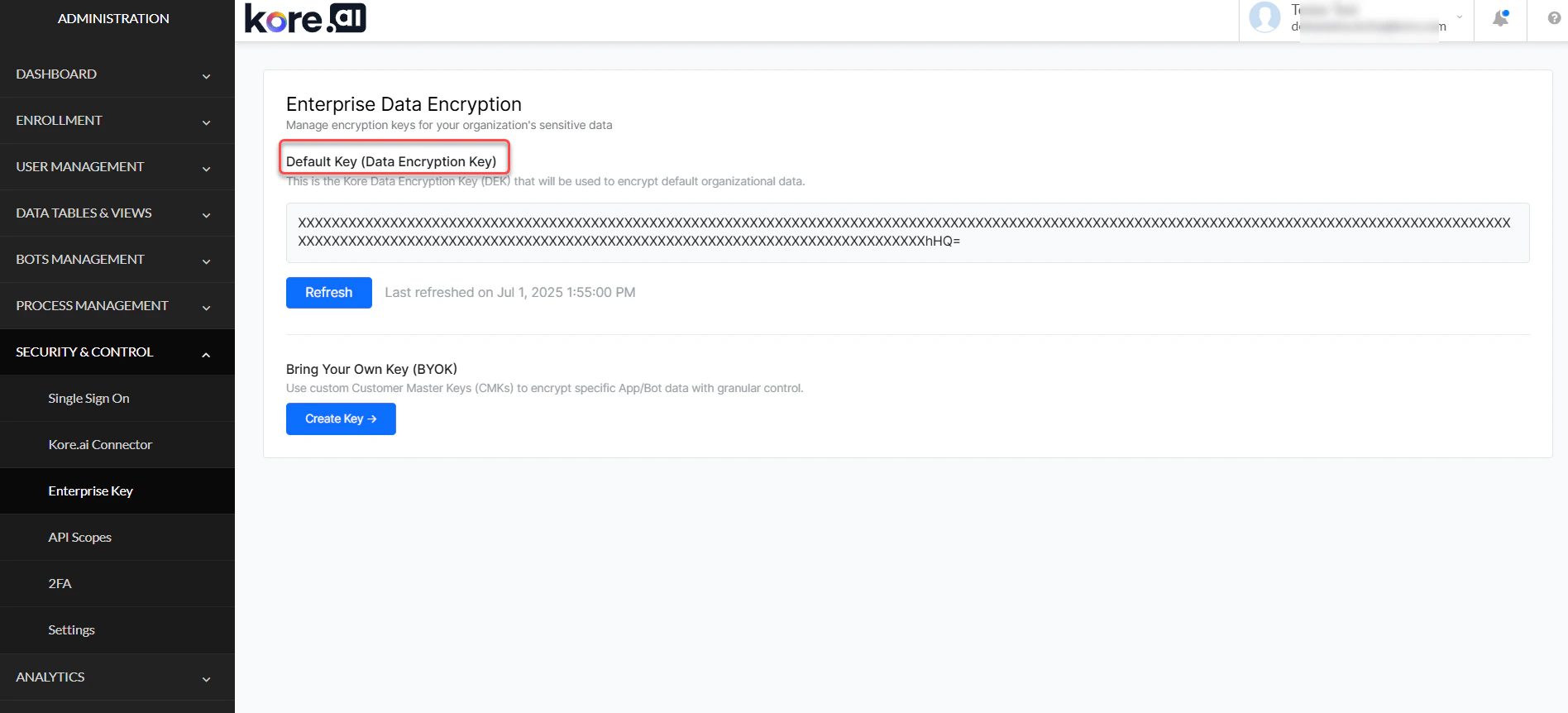
- Select Refresh. The system generates and applies a new encryption key immediately.