

Reference Documents
Search and Filter
Use the Quick Filter to filter by prompt type (system or custom). Use smart search to find prompts by name, feature, or model. Apply filters by type, label, status, model, or feature name. Sort by any selected criteria.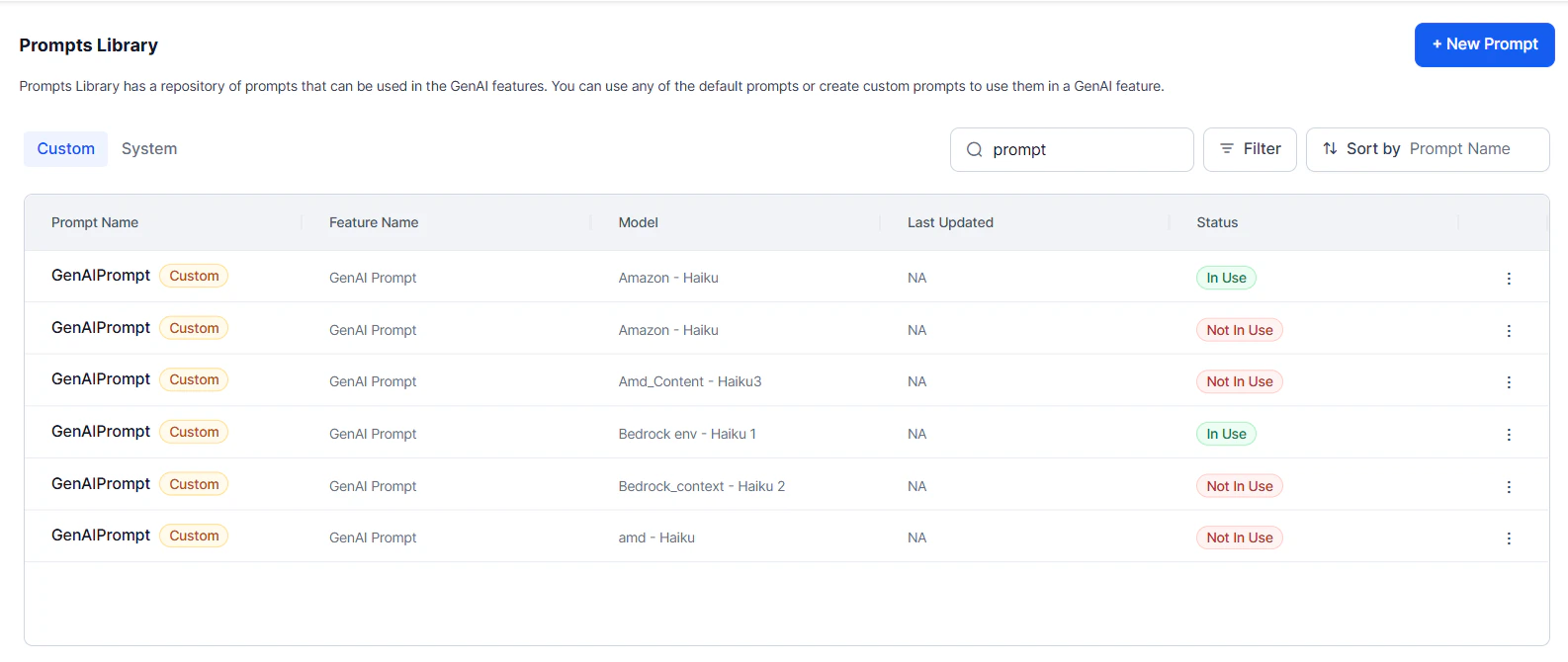
More Options
The More Options menu next to each prompt provides the following actions:Prompt Types
Default Prompts
Ready-to-use templates for pre-built models (OpenAI, Azure OpenAI). Each template targets a specific feature and model.- Can’t be edited directly.
- To customize, import a default prompt and save it as a custom prompt for any pre-built or custom LLM.
Custom Prompts
Full control over prompt design for any pre-built or custom LLM. Build from scratch or import and modify existing prompts to match your tone, context, and business requirements.Custom LLM integration and prompt creation are available in English only.
Regular vs. Streaming Prompts
Regular prompts generate a complete response after processing the full input—suited for summaries, reports, and structured output. Streaming prompts deliver responses incrementally in real time. Streaming prompts are tagged with “streaming” in the Prompts Library. See Streaming Responses for setup and benchmarks.Comparison
When to Use Each
Use Regular when:- Post-processing or content moderation is required.
- Tool calls are needed for Agent Node.
- BotKit response interception is needed.
- Full response validation must happen before delivery.
- Real-time interaction is critical.
- Responses are expected to be long.
- Voice-based applications need incremental speech.
- Immediate feedback improves user experience.
Implementation Notes
- Both types require responses to include
conv_status, AI Agent response, and collected entities. Streaming prompts must structure this content for incremental delivery. - Regular prompts can be fully validated before delivery. Streaming prompts require careful prompt engineering—corrections can’t be made mid-stream.
- Streaming responses include additional analytics: TTFT (Time to First Token) and Response Duration (first chunk to last chunk).